Write equations once. Paste them anywhere.
A free STEM keyboard for formulas, chemistry, and graphs — built for students, teachers, and researchers.
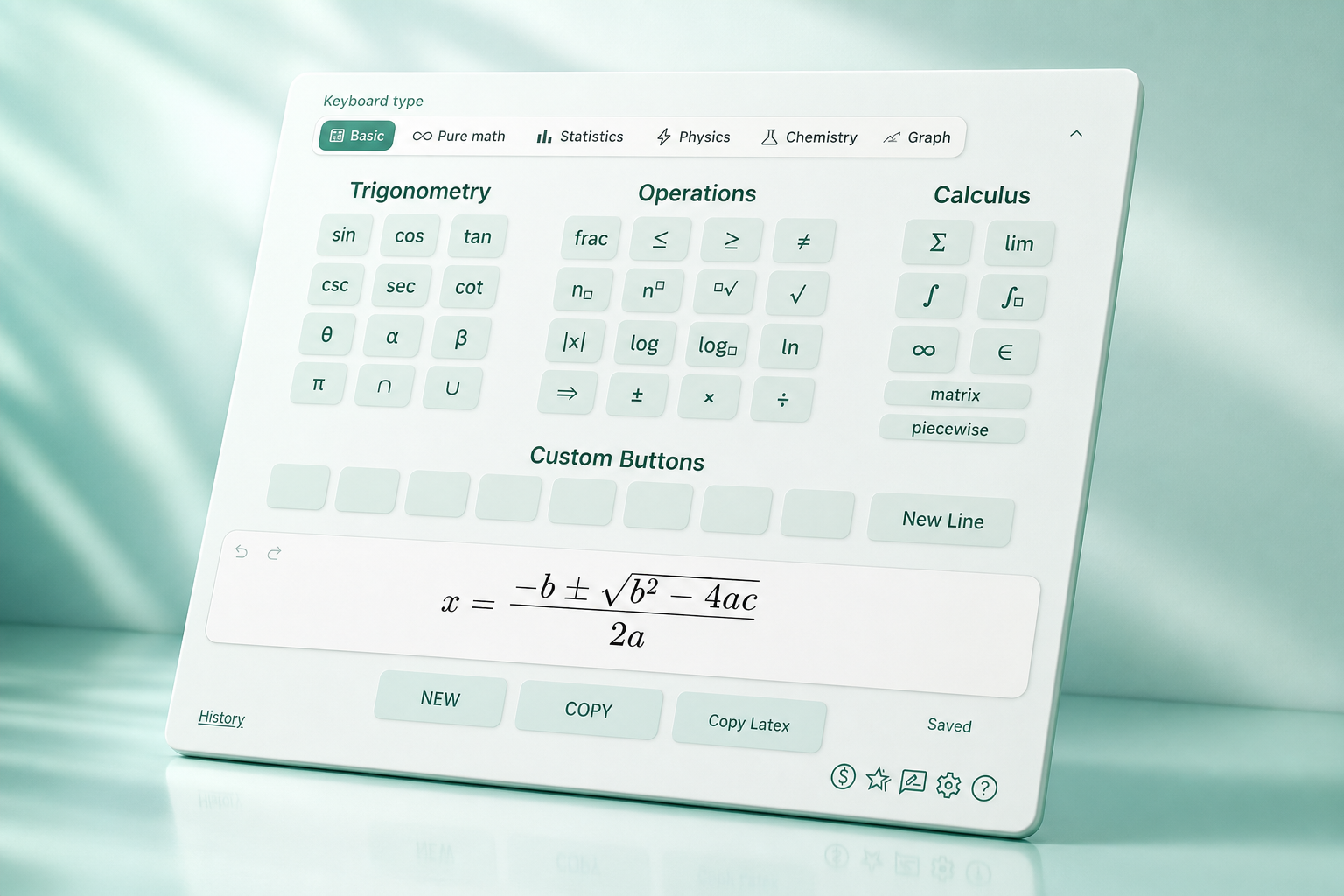
Three steps from blank page to polished equation in your document.
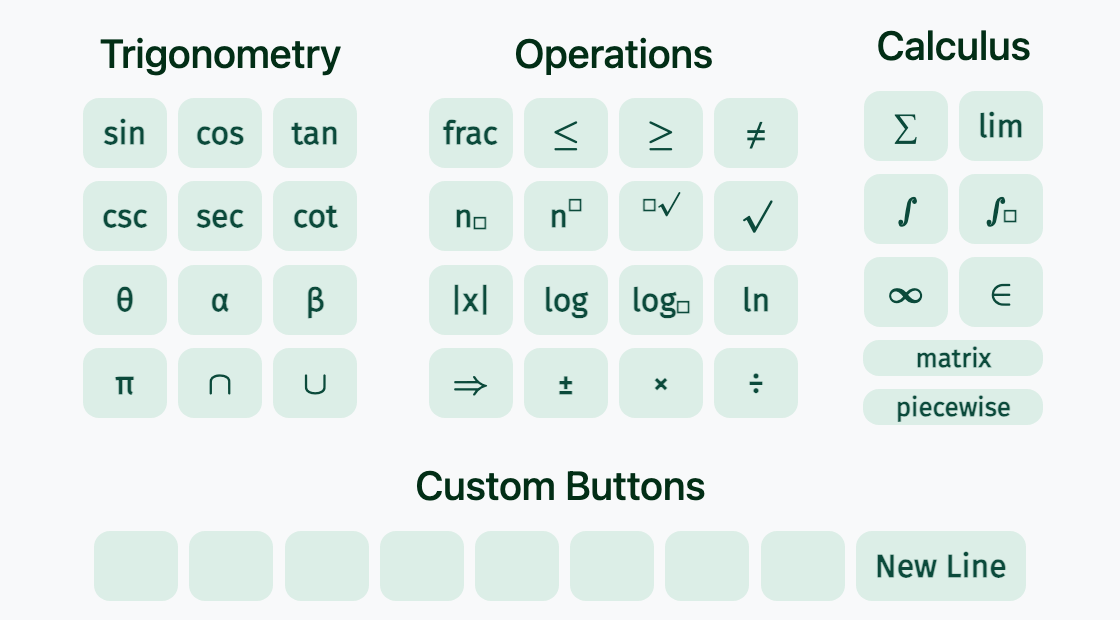
Type on your keyboard or tap mint keys for integrals, fractions, matrices, and more.
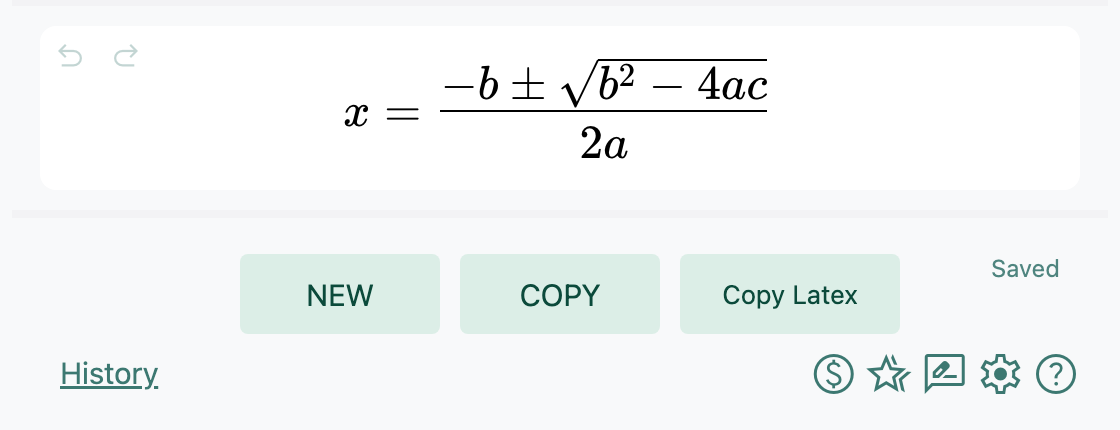
Copy as an image or as LaTeX — whichever your destination needs.
Drop the result into Docs, Slides, Word, Keynote, email, and notes.
Switch the layout to match your subject — without leaving the editor.
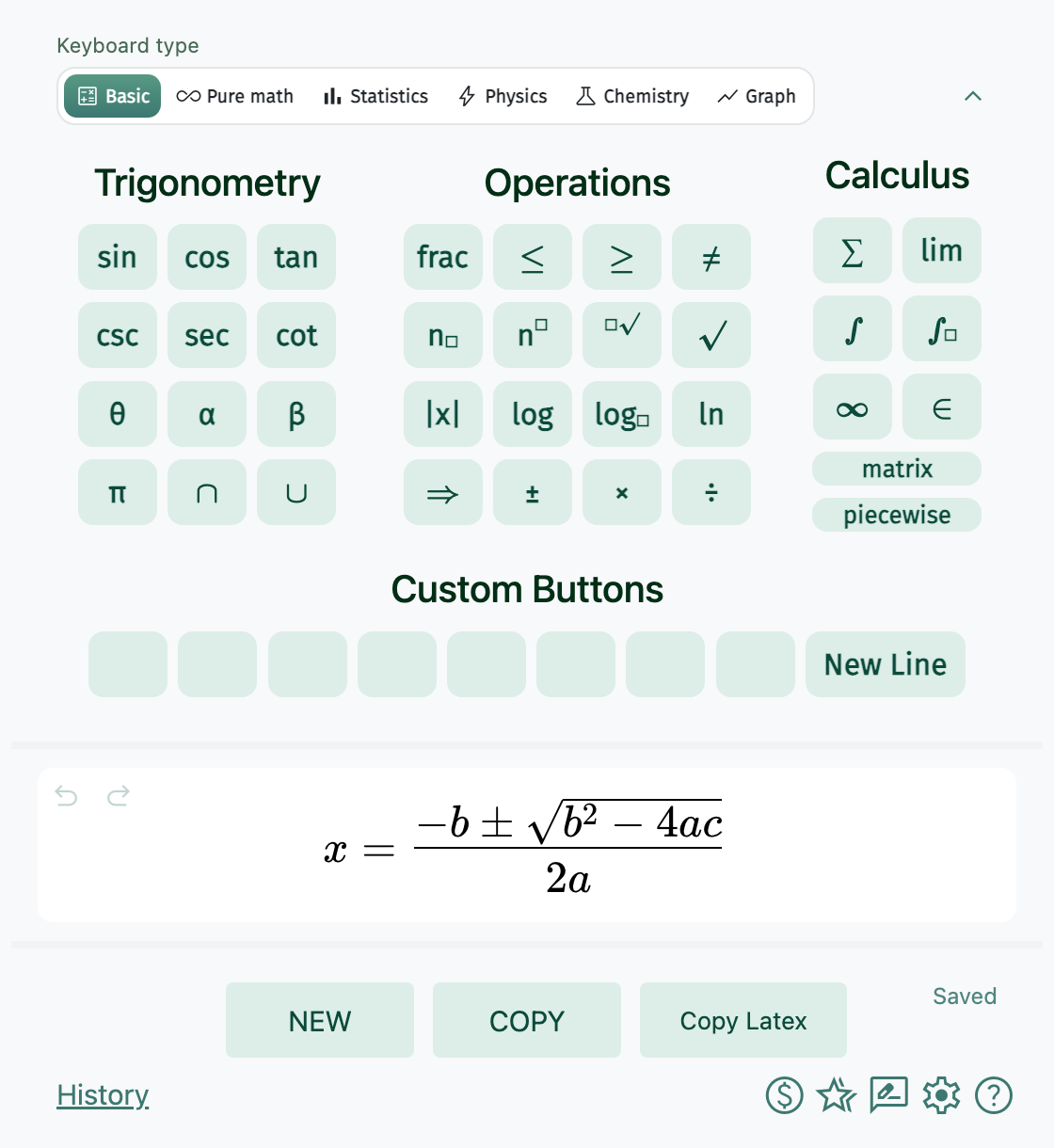
Trigonometry, operations, calculus, matrices, and custom keys.
Number sets, logic, operators — proofs and analysis at hand.
Distributions, hypothesis tests, and combinatorics.
Vectors, nabla operators, and everyday constants.
Draw structures, then copy as an image or LaTeX.
Plot functions, pan and zoom, export as image or TikZ.
Works with Google Docs, Slides, Word, PowerPoint, Keynote, and more.
Source editor, live preview, and the MATH Keys keyboard — free in your browser.
Open the LaTeX Editor MATH
MATH