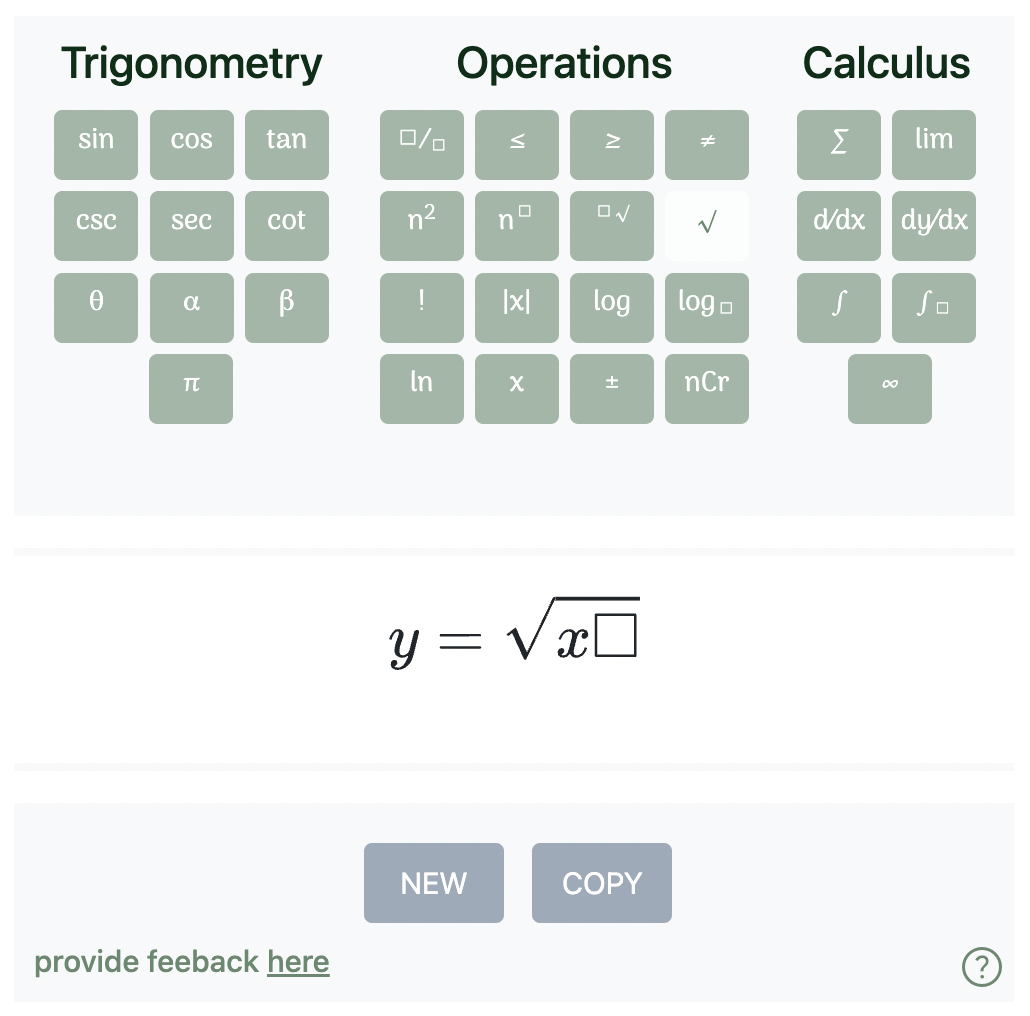
Type out anything you want with your regular keyboard, and press the buttons on our math keyboard to access mathematical symbols and operations
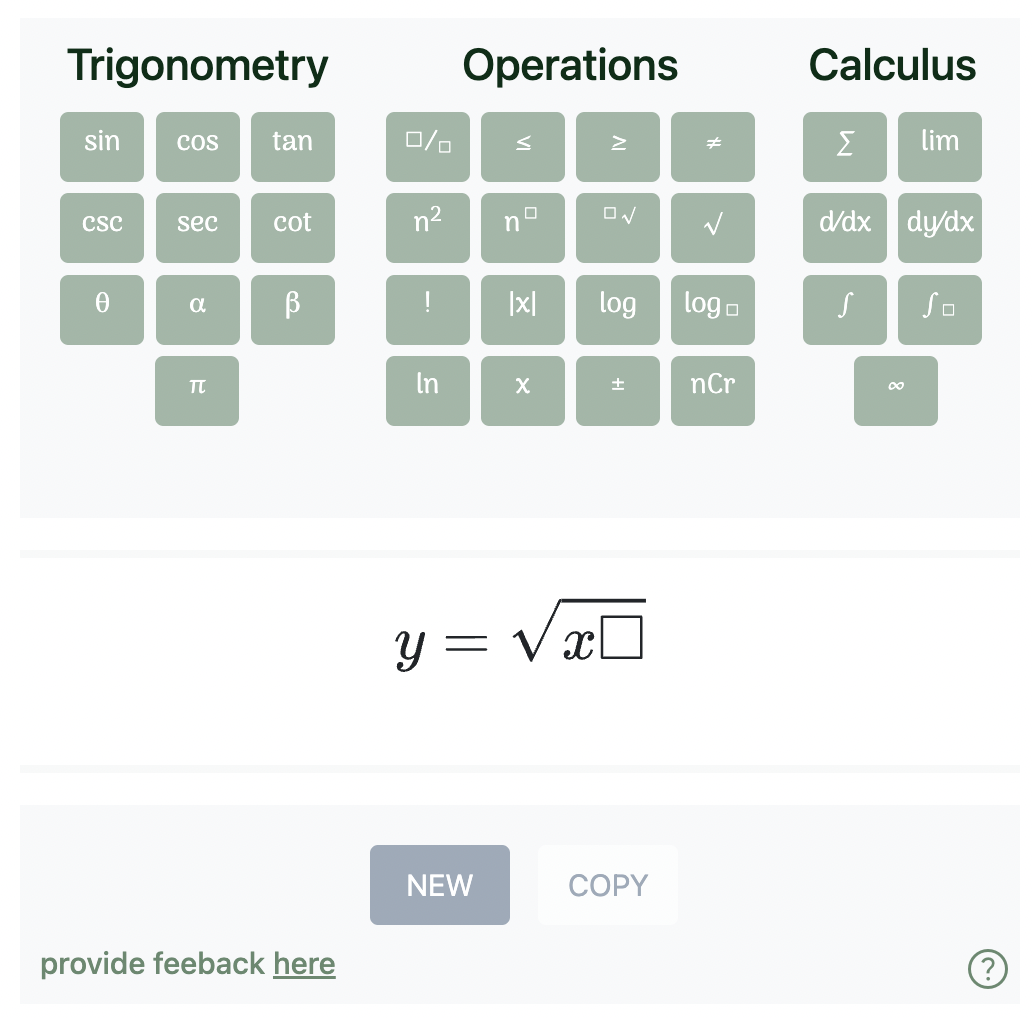
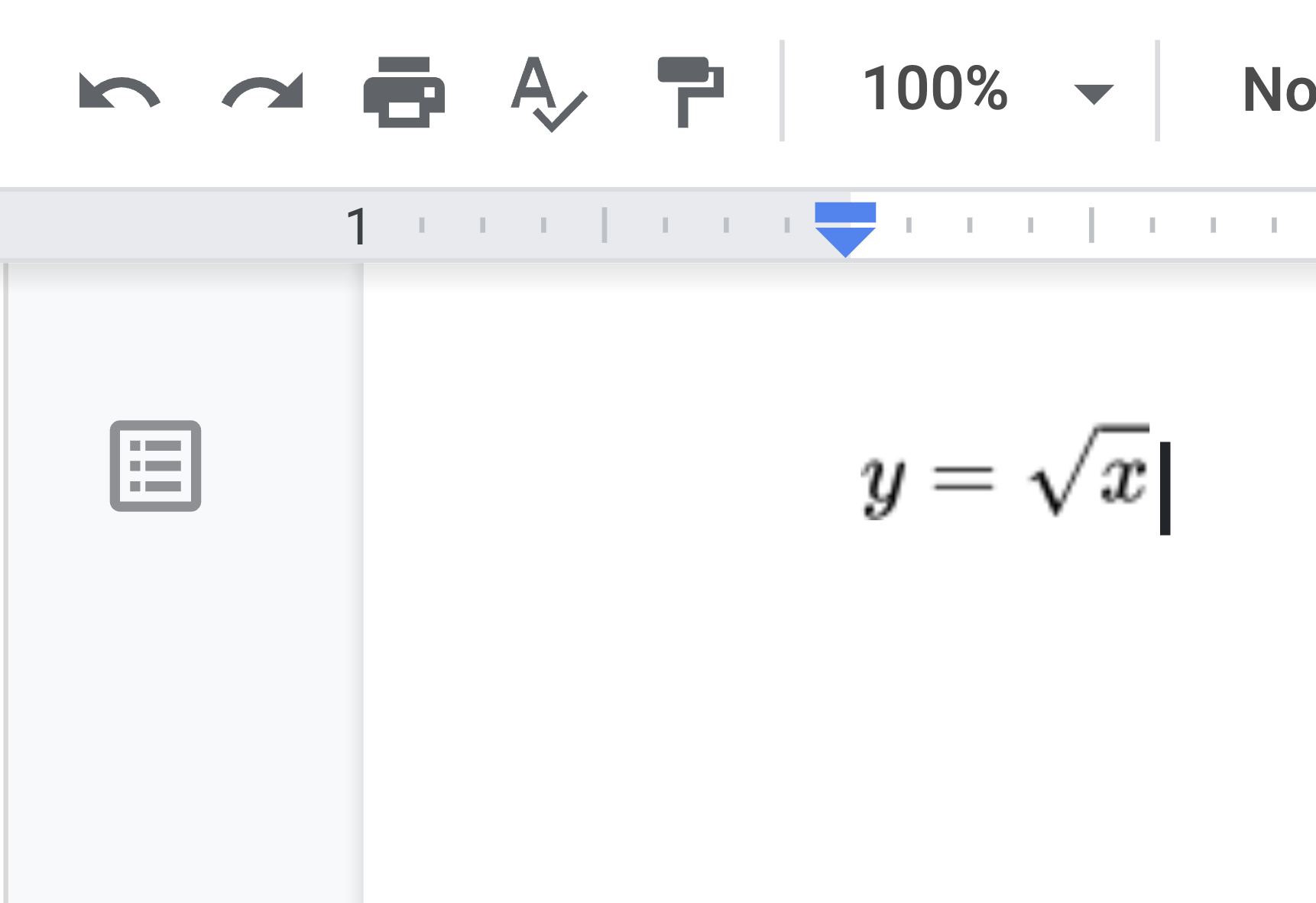
Copy button: copy the formula as image to the clipboard - paste it wherever you'd like
New button: delete the formula and start a new one
Arrow right: move the cursor forward. This is useful to get out of operation. For example, if you are inside squareroot, an forward arrow will move the cursor out of it